“Add to calendar” button or calendar subscription: which to use
What ends up in someone's calendar after they tap an “Add to calendar” button or subscribe to yours, and how long your later changes take to reach them.
By Armen Suny · Updated
The short answer
An “Add to calendar” button gives someone a copy of one event, and if you move that event later, their copy stays where it was. Subscribing links their calendar app to your whole calendar. The app downloads it again every so often, so new events and changes reach them after a delay that can pass a day in Outlook. For events you'll keep adding to or changing, ask people to subscribe or to connect their calendar.
What does an “Add to calendar” button do?
It hands over one event. Some buttons download a small calendar file, an .ics file, which the person's calendar app opens. Others open Google Calendar or Outlook with the event filled in and ready to save.
Either way the person ends up with their own copy, with no tie back to your calendar. Microsoft describes an imported calendar file as a snapshot that won't pick up later changes. If you move the event, the people who added it keep the old time unless you reach them some other way. And when you schedule the next one, they have to come back to your button for that too.
What happens when someone subscribes to your calendar?
Your whole calendar shows up in their app as a calendar of its own. From then on the app downloads it again from time to time and shows whatever it holds at that moment, which means events you add appear on their side and events you move or cancel get updated there as well.
How long that takes depends on the app. AddEvent, which hosts subscription calendars for businesses, puts Google Calendar's checks at every 12 to 24 hours. Microsoft's estimate for Outlook.com is every 3 hours, with some changes taking more than 24. On a Mac, Apple Calendar checks as often as its Auto-refresh setting says, and for iPhone Apple doesn't publish a schedule.
A subscribed calendar is read-only for the person who subscribes, and they can hide it or unsubscribe whenever they want. Our guide on why a subscribed calendar isn't updating goes into the delays app by app.
Can you put events straight into people's calendars?
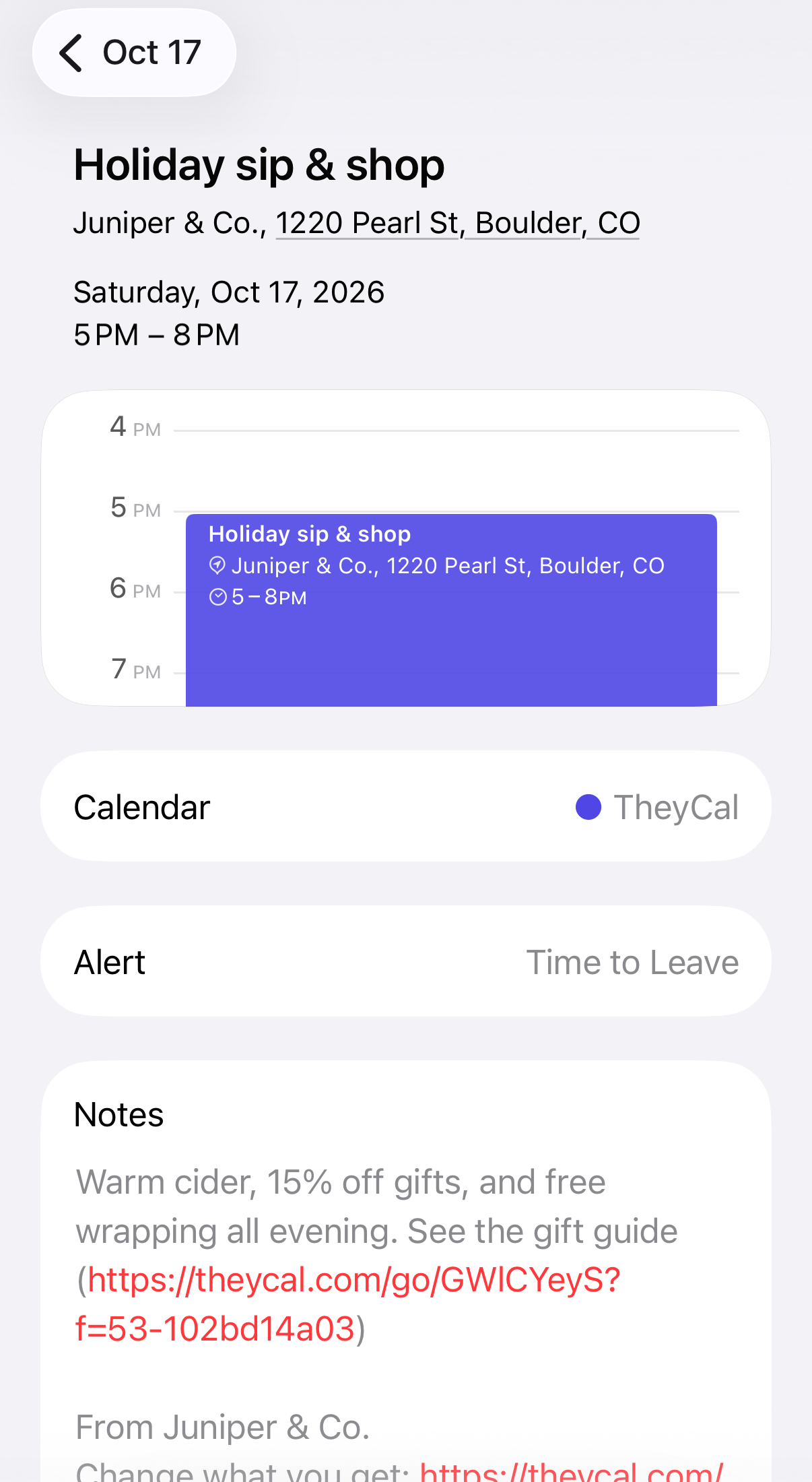
You can, with their permission. The person signs in with their Google or Microsoft account and grants access to the events in their calendar, which is what lets you create and update events there. After that your events get created in their calendar, and when you change or cancel one, their copy changes within moments.
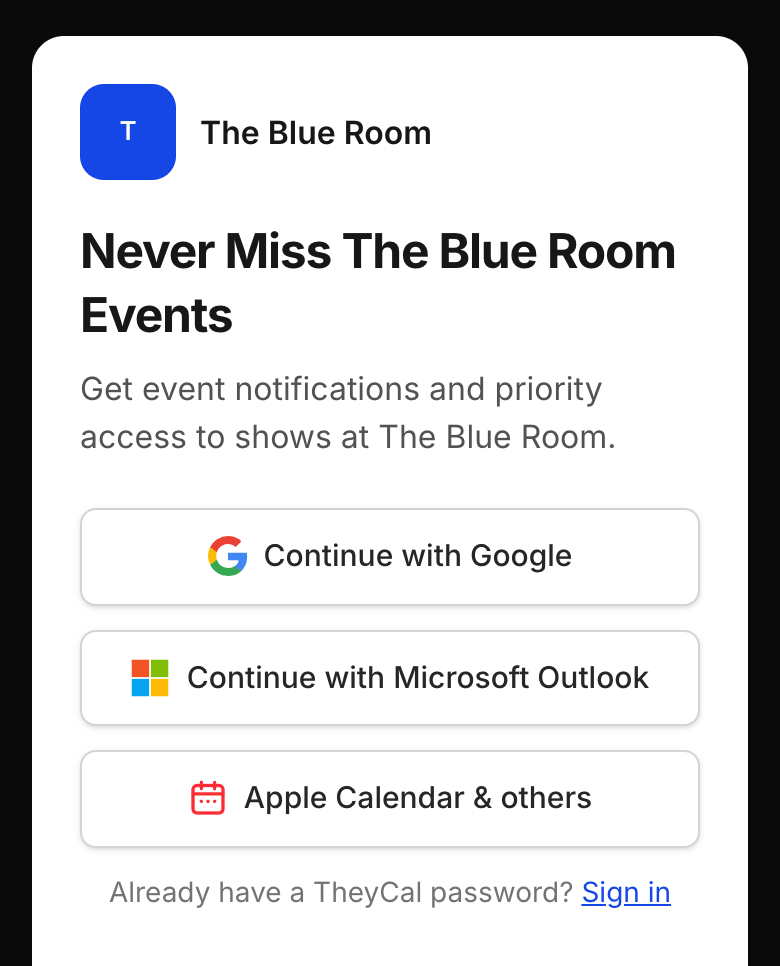
Some people will hesitate to grant that permission. It also depends on the calendar account offering it, which Google and Microsoft do. Someone on Apple Calendar still sees those events if their Google or Outlook calendar is set up on their iPhone or Mac, and anyone left over can subscribe.
How do they compare?
| “Add to calendar” button | Subscription link | Connected calendar | |
|---|---|---|---|
| What the person does | Adds each event, one at a time | Subscribes once | Signs in with Google or Microsoft once |
| New events you add | They add each one themselves | Appear at the app's next refresh | Added for them |
| Changes and cancellations | Their copy stays as it was | Appear at the next refresh: usually within a day in Google, by AddEvent's estimate, and every 3 hours or so in Outlook.com, by Microsoft's | Made in their calendar within moments |
| Works with | Almost any calendar app | Apple Calendar, Google Calendar, Outlook and most others | Google and Microsoft calendars, plus the phones that show them |
| Best for | One-off events | Schedules set well in advance | Anything that can change at short notice |
Which one fits your events?
- A one-off event that won't move, say a webinar or a grand opening. A button does the job and works in nearly every app.
- A schedule you set weeks ahead, like a season of games or a tour, where a subscription link gets every date to people without them coming back for each one.
- Events that can change on the day. Rain pushes the member-guest back two hours, and with Google often taking most of a day to refresh, some members could show up at the original time, so connect to people's calendars wherever you can.
- Events that differ for each person, such as a service reminder timed to someone's own car. These need a calendar per person: a connection, or a private subscription link of their own.
Common questions
If I change an event, do people who used my “Add to calendar” button get the change?
Their copy stays the way it was when they added it. You'd have to email or text them about the change and hope they fix their calendar by hand.
Can people subscribe on an iPhone?
Yes. Tapping a subscription link that starts with webcal:// opens Apple Calendar, which offers to subscribe. Google Calendar takes the link under Other calendars, From URL, and Outlook on the web has Add calendar, Subscribe from web.
Can people edit events in a calendar they subscribe to?
Apple Calendar treats a subscribed calendar as read-only, and Google and Outlook handle it the same way. People can hide it or unsubscribe.
Do people need to install an app?
Every option here puts events in the calendar app they already use.
Where TheyCal fits
We make TheyCal, and it uses the last two options. People follow a business once. If they're on Google or Microsoft, they connect that calendar, and we create the business's events in it and update or remove them whenever the business changes something. People on Apple Calendar or other apps get a private subscription link of their own. Followers choose which kinds of events they want to get.
Sources
- Google Calendar Help: Subscribe to someone else's calendar
- AddEvent: How can I automatically update events in subscribers' calendars after they subscribe?
- Microsoft Support: Import or subscribe to a calendar in Outlook.com or Outlook on the web
- Apple Calendar User Guide: Subscribe to calendars on Mac